Jay

What's up at home?
Text Jay

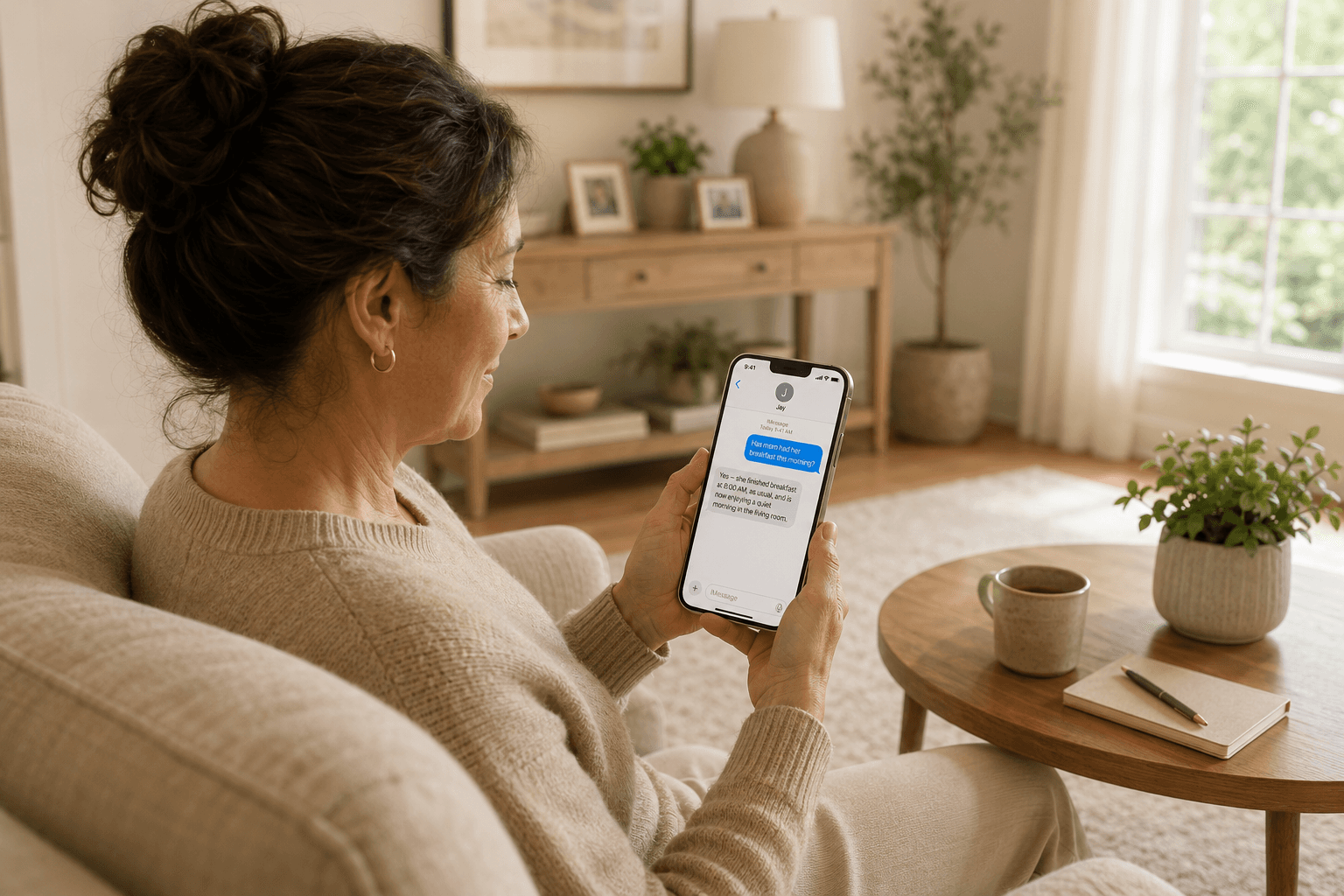
Jay helps you check on home and loved ones without scrolling through endless clips. Ask what happened, set smarter alerts, and get simple summaries by text.
How it works

See less. Know more.

Jay uses AI to turn Ring activity into quick answers, helpful alerts, and simple summaries, so you do not have to sort through every clip yourself.

Setup in minutes

Install Jay through the Ring app store, then finish setup by sending a text.

Ask what happened

Ask Jay about activity from your cameras, without digging through footage.

Set smarter alerts

Choose the moments that matter, and Jay will let you know when they happen.

Get simple summaries

Get a clear recap of what happened at home, sent straight to your phone.

Setup in minutes

Install Jay through the Ring app store, then finish setup by sending a text.

Ask what happened

Ask Jay about activity from your cameras, without digging through footage.

Set smarter alerts

Choose the moments that matter, and Jay will let you know when they happen.

Get simple summaries

Get a clear recap of what happened at home, sent straight to your phone.

Setup in minutes

Install Jay through the Ring app store, then finish setup by sending a text.

Ask what happened

Ask Jay about activity from your cameras, without digging through footage.

Set smarter alerts

Choose the moments that matter, and Jay will let you know when they happen.

Get simple summaries

Get a clear recap of what happened at home, sent straight to your phone.

FAQ

Common questions

Everything you need to know before getting started.

How do I get started?

Install Jay through the Ring App Store, connect your Ring account, and you’re ready to go. Once Jay is connected, you can start asking what happened, setting alerts, and getting simple summaries by text.

How much does Jay cost?

How does Jay work?

Is my data safe with Jay?

Feel closer, even when you're away

Rely on Jay to stay connected to home and your loved ones.